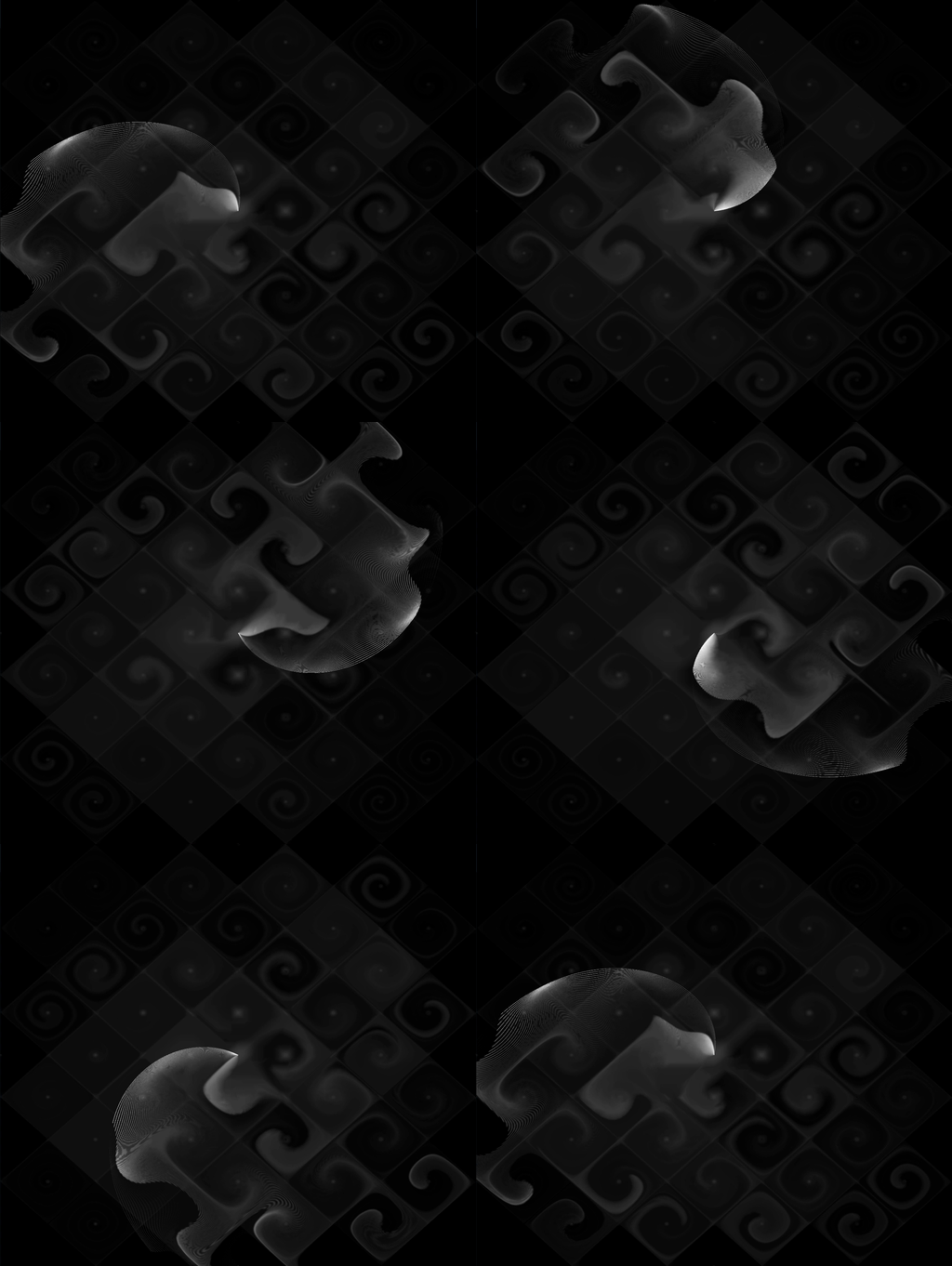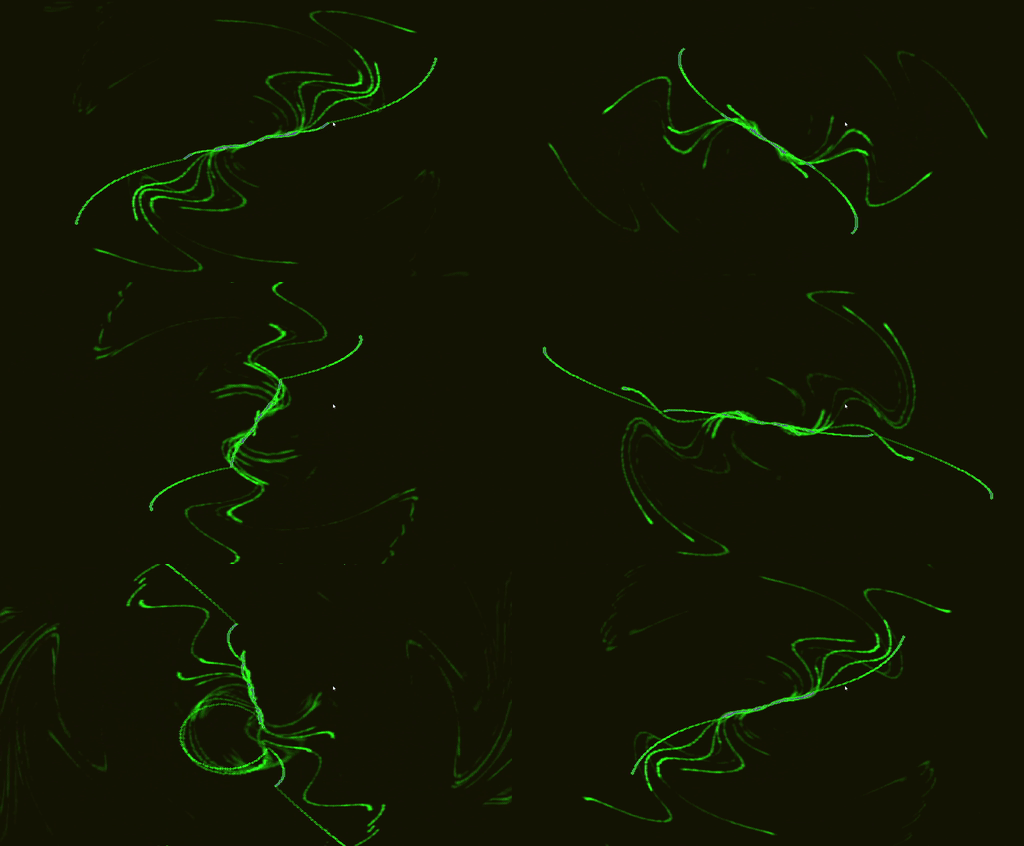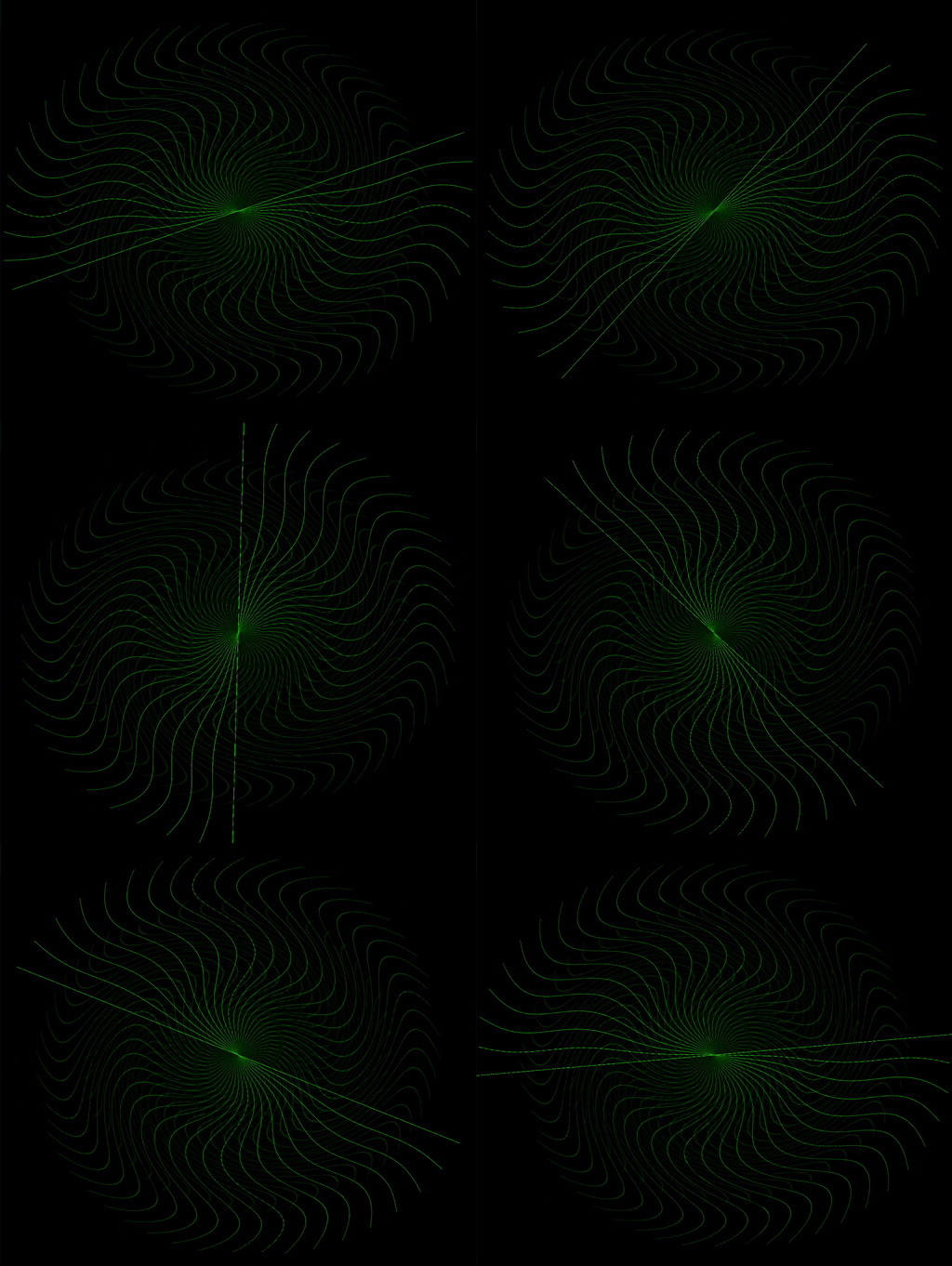
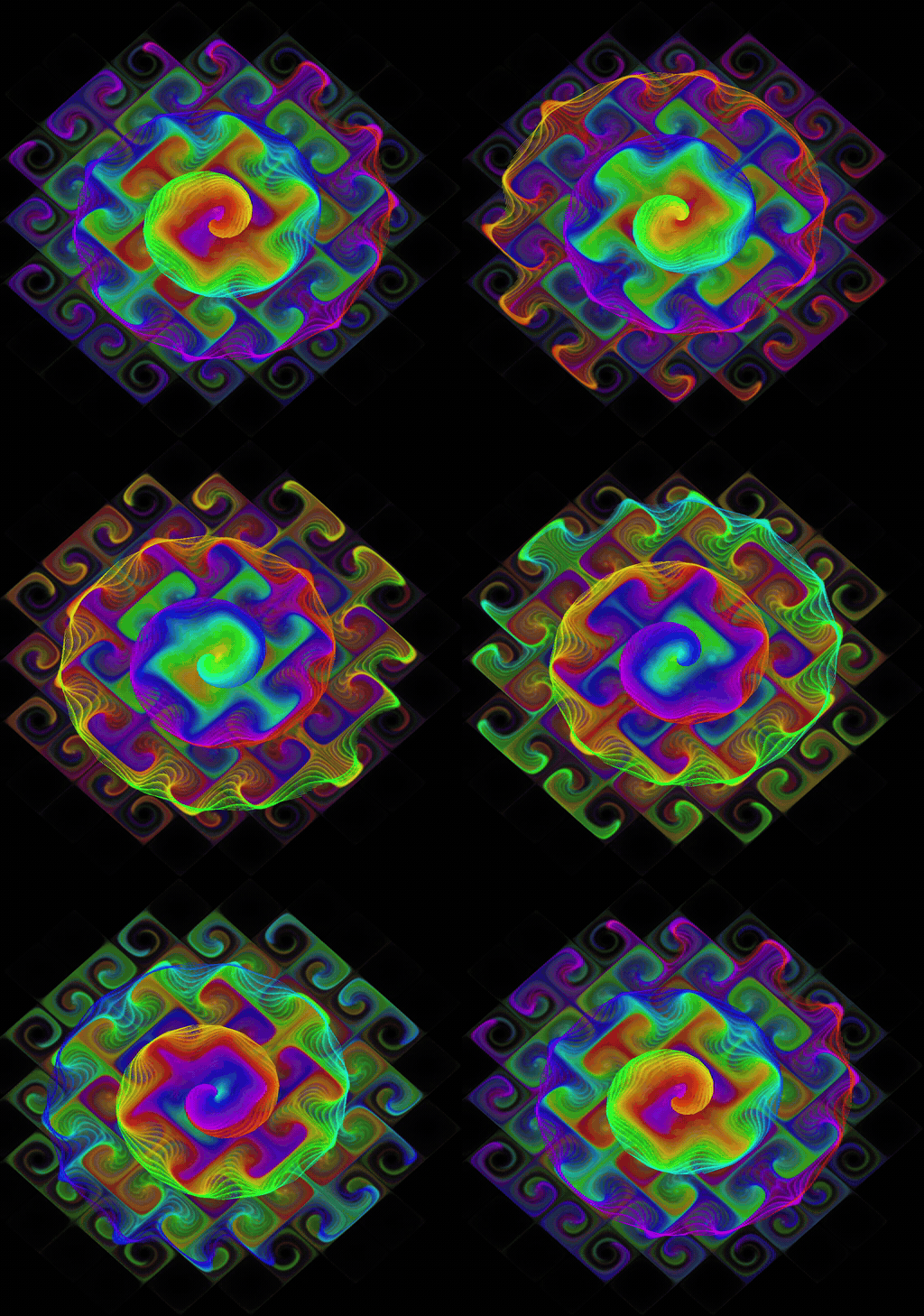
From Quantum to Trippendicular
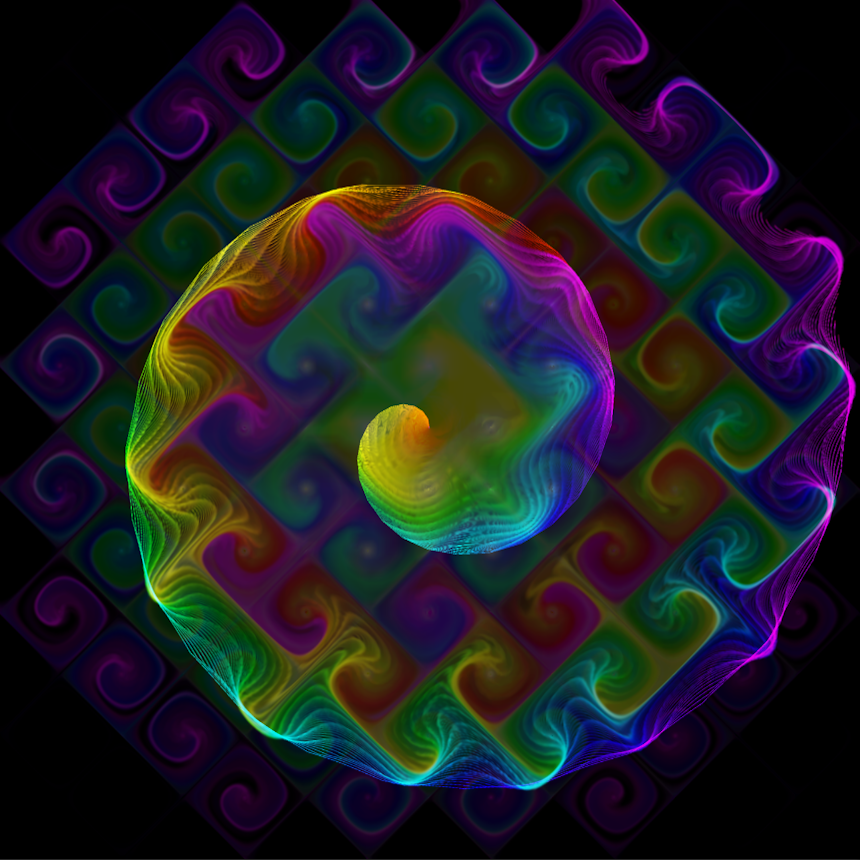
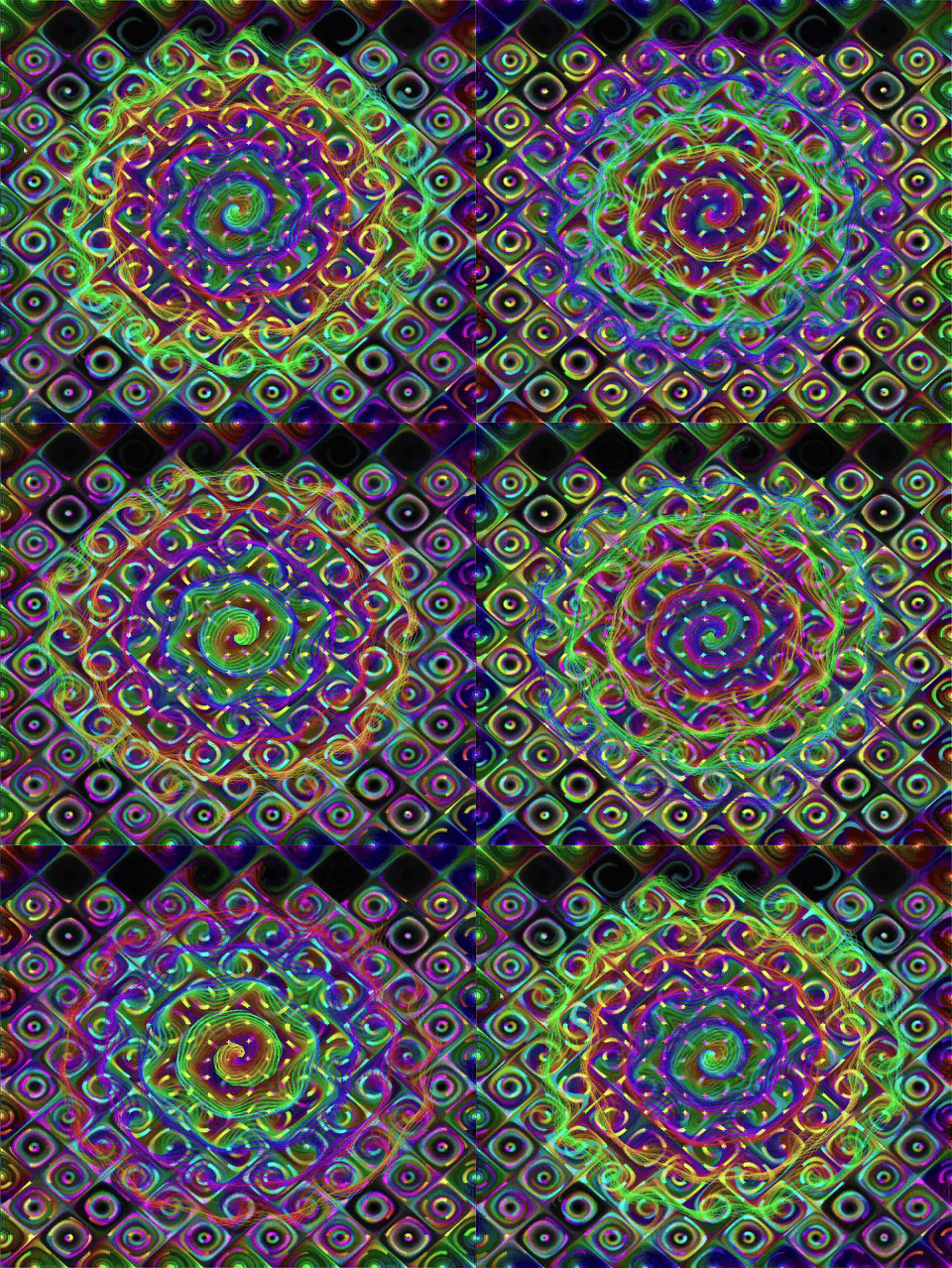
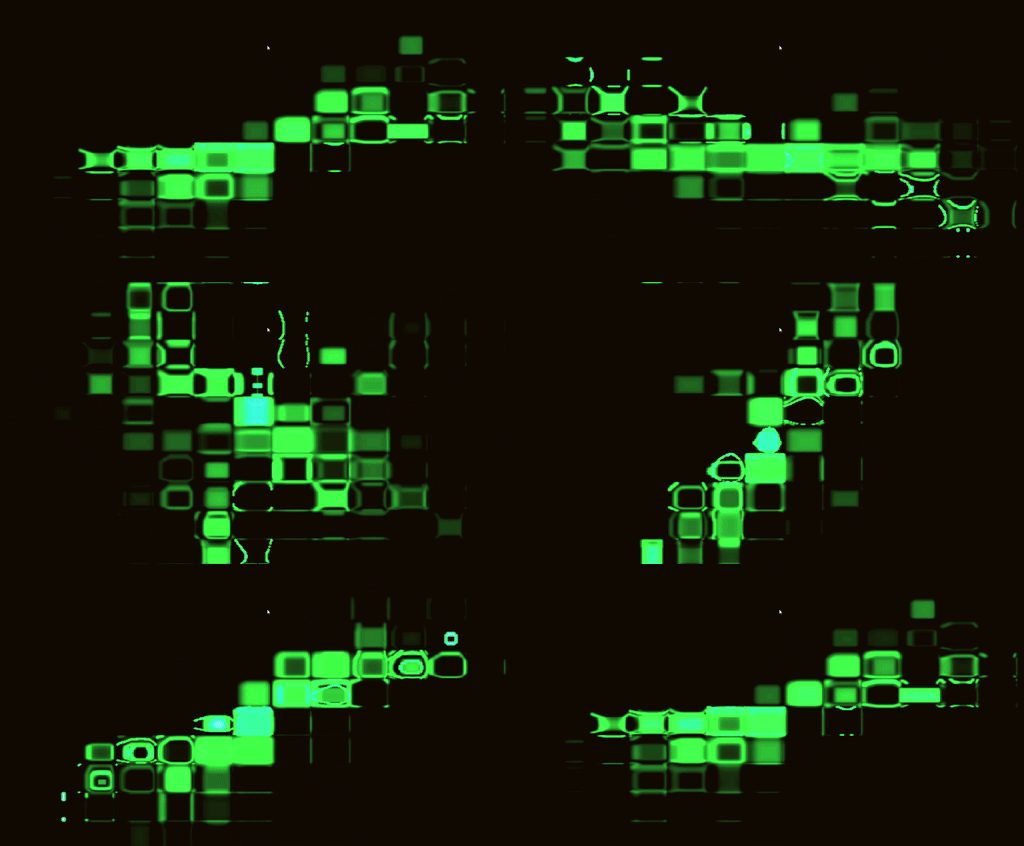
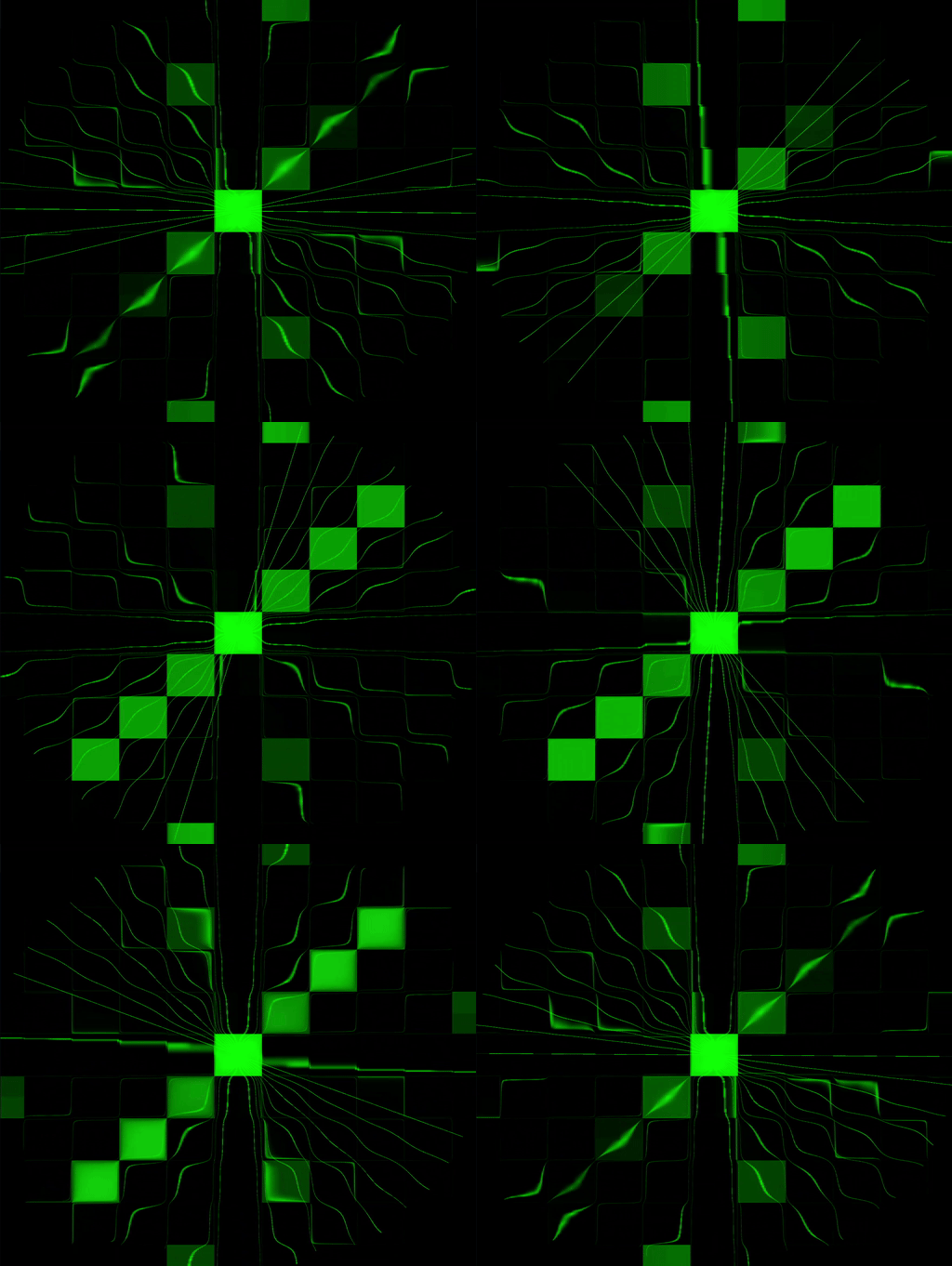
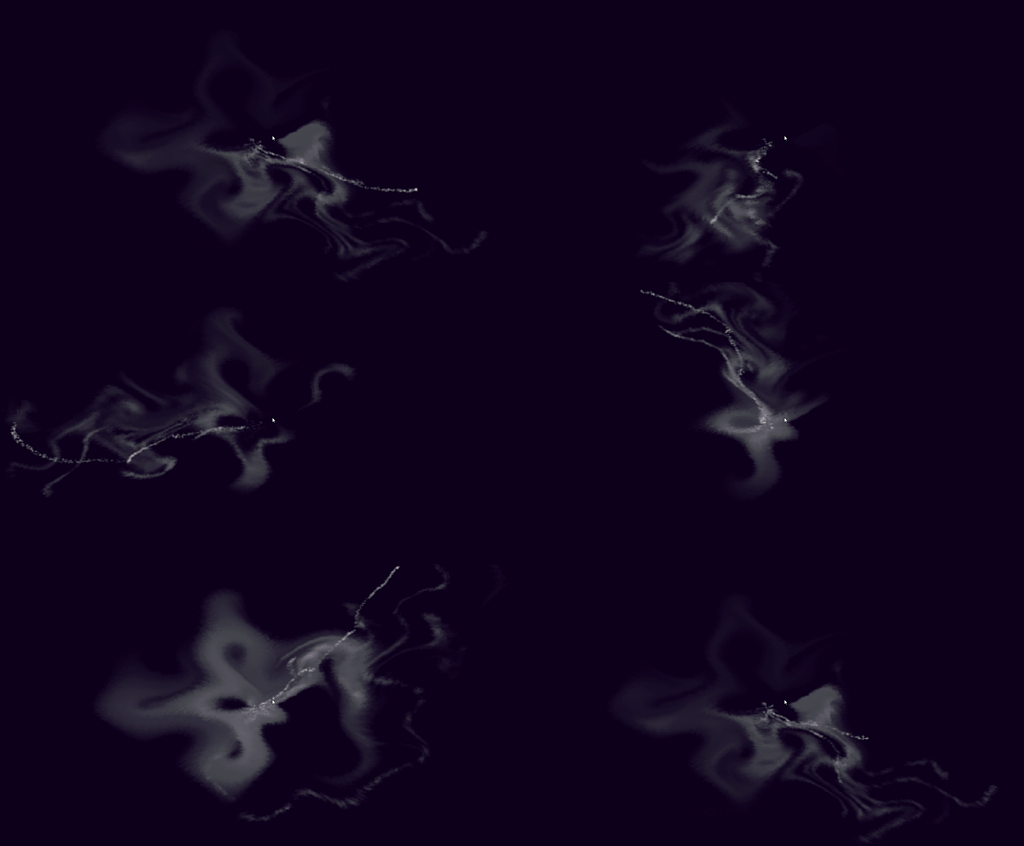
I added sinusoidal motion along the particles’ radial axis while working on the original 2D version of Quantum. The result reminded me a little of Battery in Windows Media Player. I kept experimenting with the movement, and that work became Trippendicular’s first flow field.
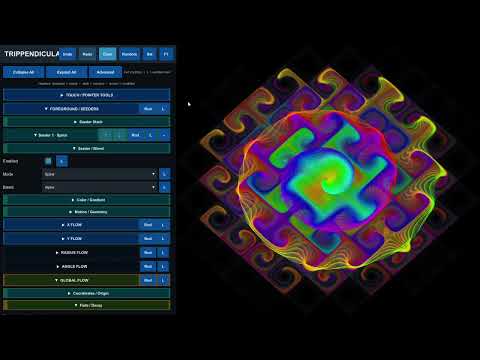
I carried the prototype into Unity, where you can adjust the flow field, interact with it directly, and save the effects you discover.
My contribution
- I created the original visualizer concept and mathematical flow-field model.
- I developed the original C++/DirectX foundation and continued the project in Unity.
- I direct the interaction and UI design, integrate changes, and test them in Unity.
Current implementation
The runtime GUI supports effect save/load, undo/redo, preset baselines, collapsible parameter groups, and configurable seeders. Current state handling separates effect data from touch/session controls and persistent UI preferences.
The latest usability pass adds a Settings screen, UI scaling, seeder X/Y offsets, and a minimized toolbar. I’m still refining these features.
Implementation credit: recent runtime UI, serialization, and related extensions include substantial AI-assisted code. I direct the design, integrate the changes, and test them in Unity. I created the original concept and mathematical model, and I use AI assistance for some of the recent implementation.
What comes next
I’m focusing on a clearer mobile interface and an introduction that helps people get started. Music reactivity, casting, and video export are ideas I’m exploring for later.
Unity assets
Project tools
Kubacho Lab add-ons I use across my Unity projects
All Unity assets ↗